PUBLIC REFERENCE
Minimalissimo
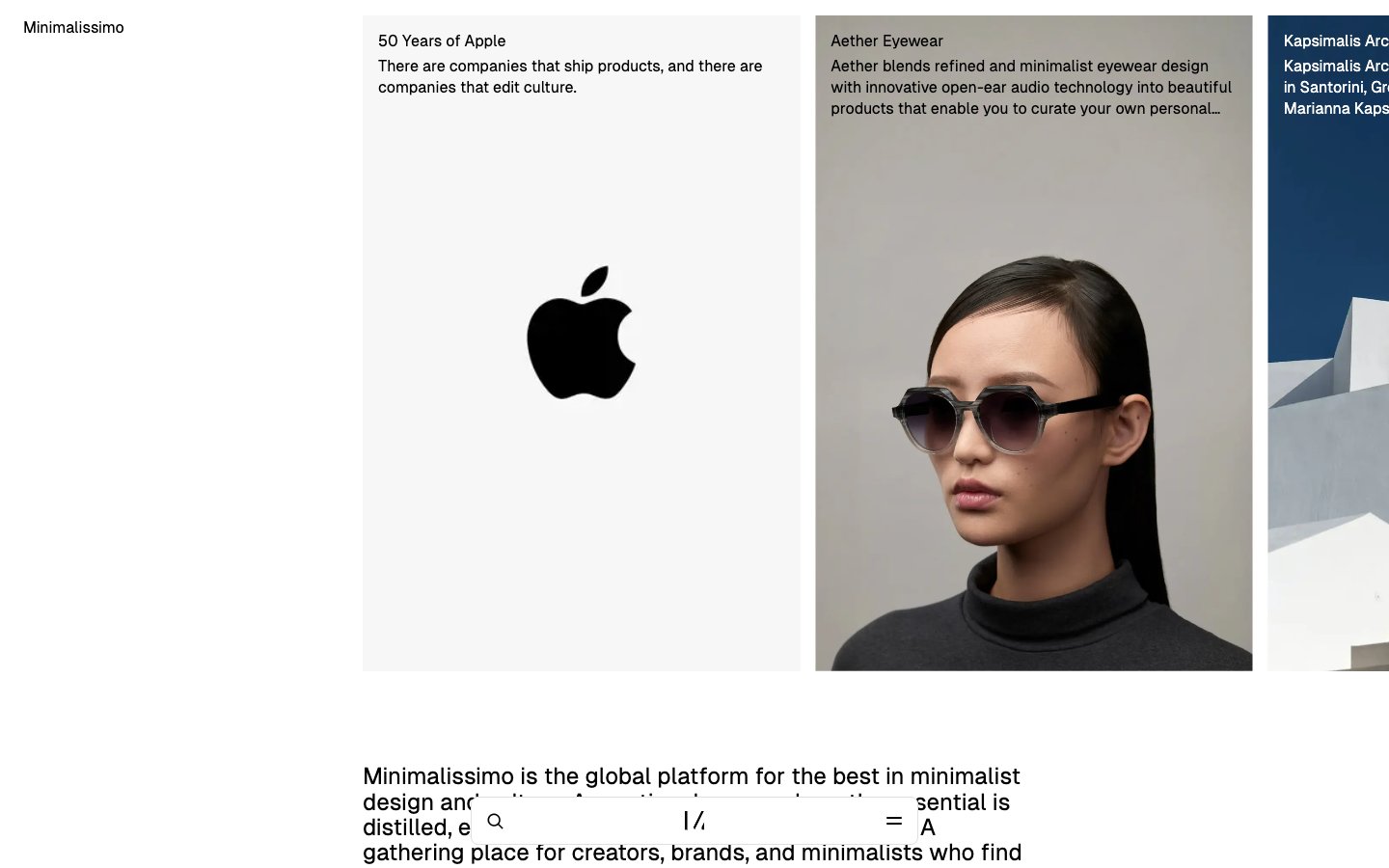
White gallery canvas.
Colors
Inkwell
#000000 Primary text, core UI elements, strong borders, icon fills. Provides high contrast
Canvas
#f5f5f5 Dominant page and section backgrounds, giving a clean, expansive base
Sterling
#999999 Medium-contrast borders, control outlines, and structural separators. Do not promote it to the primary CTA color
Porcelain
#ffffff Component backgrounds within sections, elevated surfaces. Provides internal contrast against Canvas
Pale Ash
#e0e0e0 Neutral form states, badge text, and quiet UI feedback where color should stay understated. Do not promote it to the primary CTA color
Storm Gray
#a1a1a1 Tertiary body text, informational text, less prominent details
Whisper White
#efefef Background for subtle interactive elements like inputs and ghost buttons, providing a slight visual lift
Do
- Use GeistSans 400 for all typographic elements, varying only size for hierarchy.
- Maintain high contrast text with Inkwell (#000000) on Canvas (#f5f5f5) or Porcelain (#ffffff) backgrounds.
- Apply a 4px border-radius to all interactive elements like buttons and input fields.
- When a button is not a primary action, render it as text-only with Inkwell (#000000) for a ghost-like appearance.
- Utilize Whisper White (#efefef) sparingly, primarily for subtle input backgrounds or very soft button fills.
- Separate content sections with ample vertical spacing, defaulting to sectionGap (96px) where appropriate.
- Prioritize photography and crisp typography as primary visual elements, minimizing decorative UI.
Don't
- Avoid using any chromatic colors; maintain a purely achromatic palette.
- Do not introduce heavy borders, drop shadows, or strong gradients that would detract from the content.
- Refrain from using multiple font families or font weights other than 400 for GeistSans.
- Do not clutter layouts with excessive UI elements; focus on functional minimalism.
- Avoid large, attention-grabbing primary action buttons; keep interactive elements understated.
- Do not apply padding or visible backgrounds to image grid items; let them float on the Canvas background.
- Do not use underlines for links unless absolutely necessary for clarity in dense text blocks.