PUBLIC REFERENCE
Frontify
Architectural blueprint on soft linen
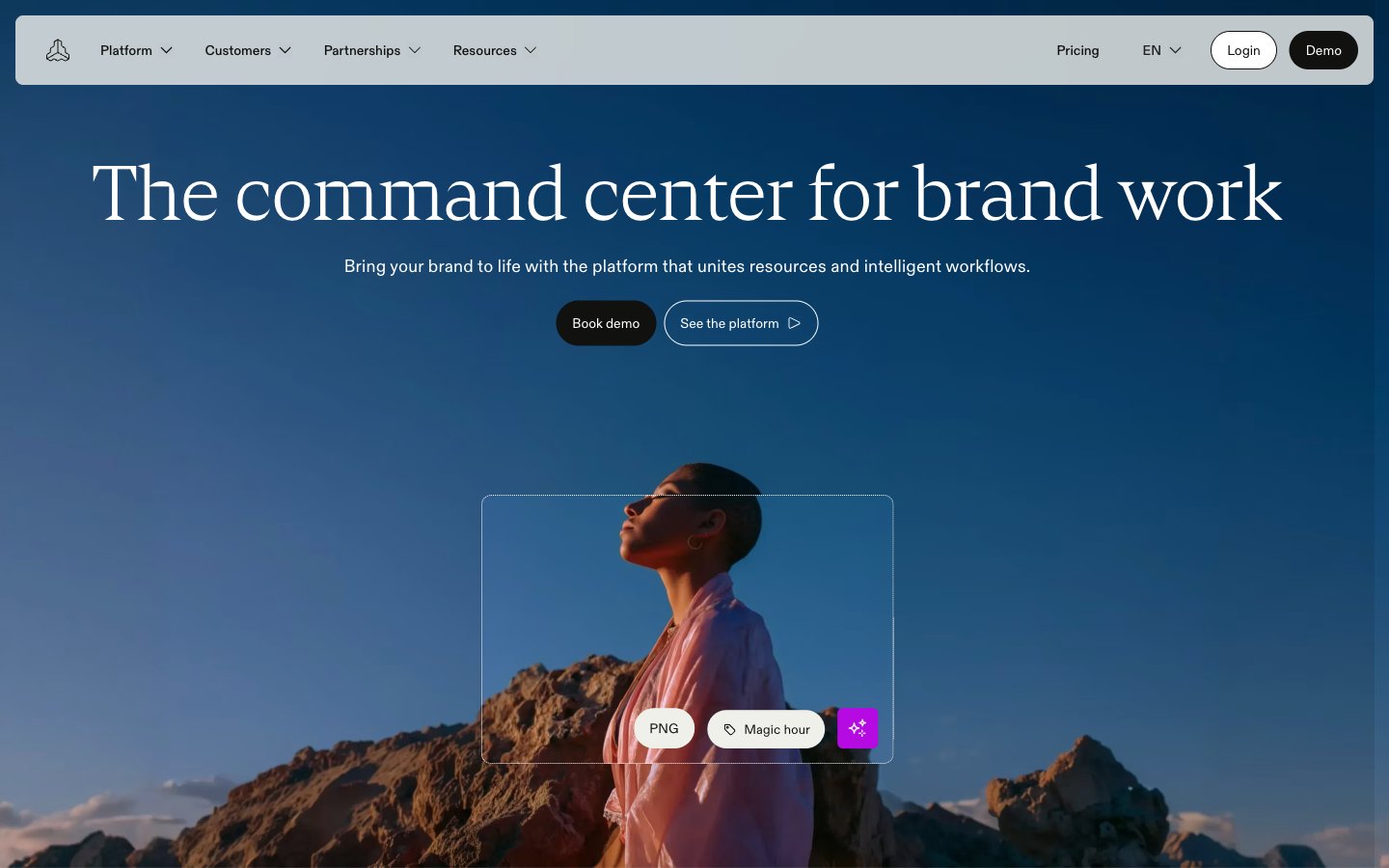
Colors
#111110 Primary text, button backgrounds, strong borders, dark surface elements, primary action, footer background
#f0f0eb Main page background, secondary text, subtle borders, UI element backgrounds
#ffffff Button text on dark backgrounds, selected interactive states, icon fills
#e1e1db Card backgrounds, subtle surface elevations, tertiary backgrounds
#d7d7cf Section backgrounds, subtle graphical elements, body backgrounds
#464643 Muted body text, secondary borders
#000000 Input borders, decorative fills, some icon fills
#cbcbc5 Subtle border strokes
#bfbfb8 Placeholder text, secondary icon colors, subtle lines
#575753 Card text, muted link hover states
#042a2b Decorative background fills on cards, certain icon elements, dark text elements
#ff3b00 Accent for highlighted text categories, decorative icon fills, active border states
#b60ae3 Decorative accent for internal elements, button border hover state; Decorative gradient for overlays or highlighted zones, providing a soft, shifting visual anchor
Do
- Always use Paper White (#f0f0eb) as the default page canvas, creating a consistent light background.
- Apply ABC Diatype for all body text and UI labels, ensuring clarity and efficiency with its 0.0100em letter spacing.
- Reserve Cranny font for headlines and display text, leveraging its elegant weight 300 or 400 with size-dependent letter spacing for sophisticated visual hierarchy.
- Button corners should consistently have a 24px border-radius for primary and outlined buttons, and 40px for larger tertiary buttons, maintaining a soft, approachable feel.
- Utilize Inkwell Black (#111110) for primary button backgrounds and primary text, creating high contrast and clear calls to action.
- Implement a default element gap of 8px for vertical and horizontal spacing between small UI elements, establishing a comfortable density.
- Card backgrounds should default to Canvas Muted (#e1e1db) with an 8px border-radius, providing subtle visual separation without heavy borders or shadows.
Don't
- Avoid using multiple chromatic colors for interactive elements; stick to Flame Orange (#ff3b00) or Violet Streak (#b60ae3) for accents, never for full button fills.
- Do not use heavy shadows or multi-layered elevation; surfaces are defined by subtle background changes and light borders, not Z-axis depth.
- Do not use default system fonts; ABC Diatype, Cranny, Satoshi, and Cabinetgrotesk are the only approved typefaces.
- Avoid arbitrary letter spacing; use the defined -0.007em (for large Cranny) or 0.010em (for ABC Diatype) for precise type rendering.
- Do not introduce new border-radius values; adhere strictly to 4px, 8px, 18px, 24px, 32px, and 40px for components as specified.
- Never use less than 48px vertical spacing between major page sections to maintain a spacious and breathable layout.
- Do not introduce new accent gradients. The 'Gradient Aura' provides a controlled, decorative element that should not be replicated or modified.