memi / ReferencesMercury
9palette signals
2type signals
6component notes
darkcolor scheme
01 / COLOR
9 capturedPalette
Mercury Blue
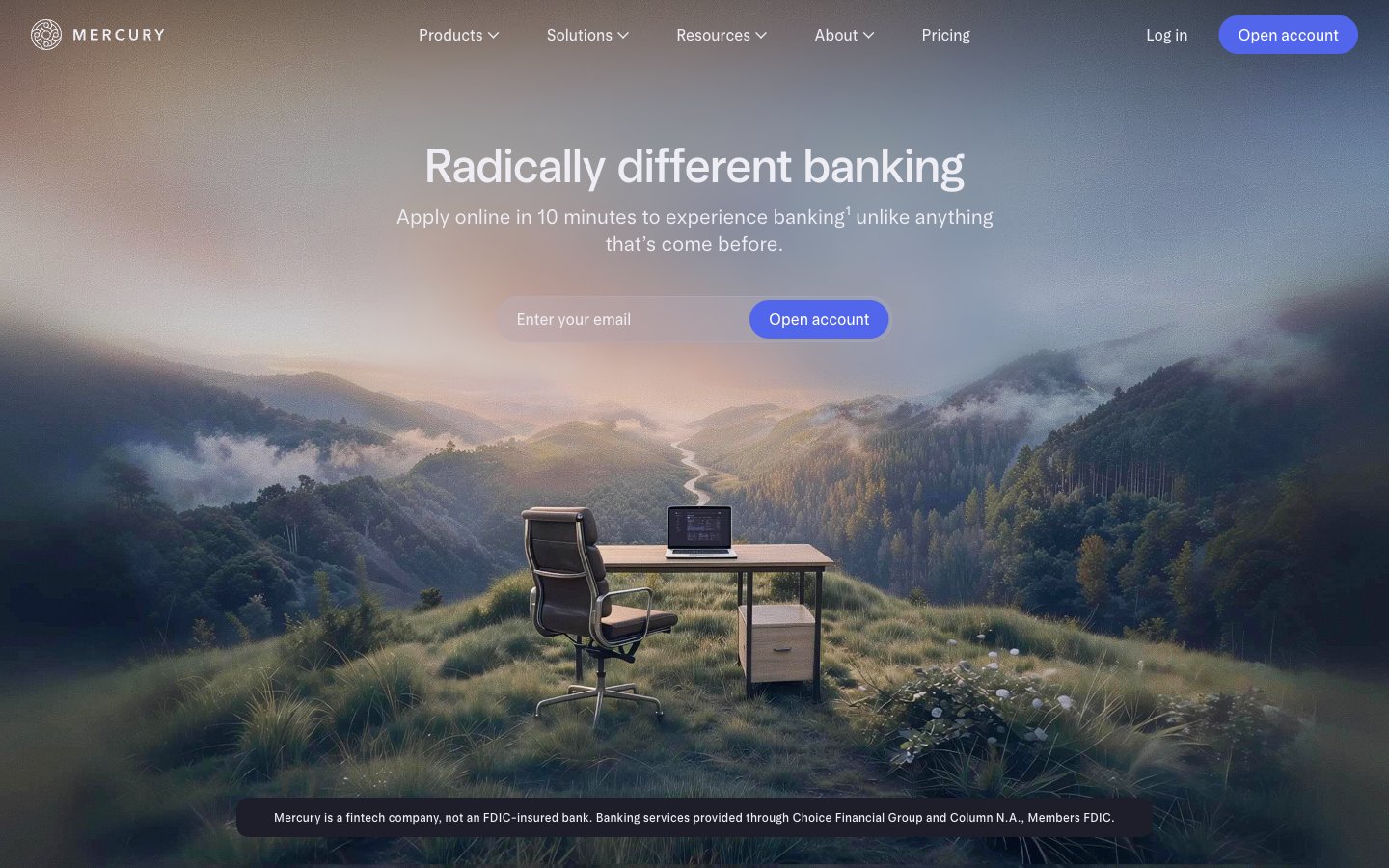
#5266ebPrimary CTA buttons — the single, vivid accent in a muted palette, focusing user action.
Ghost Blue
#cdddffSecondary button backgrounds, hover states — a desaturated, ethereal blue suggesting interaction.
Deep Space
#171721Outermost page background layer, providing depth.
Midnight Slate
#1e1e2aPrimary page and section backgrounds.
Graphite
#272735Subtle button backgrounds and interactive surfaces.
Lead
#70707dBorders, dividers, subtle UI accents.
Starlight
#ededf3Primary text color for headlines, body, and navigation.
Silver
#c3c3ccSecondary text, footer copy, disabled states.
Pure White
#ffffffText on primary CTA buttons (#5266eb).
03 / SYSTEM
Type & geometry
FontsNot captured
Spacingradius: [object Object] · elementGap: 12-32px · sectionGap: 80-120px · cardPadding: · pageMaxWidth: 1200px
Radiuscards: 0px · inputs: 32px · buttons: 32px, 40px · containers: 4px
Shadowsphilosophy: Elevation is achieved through light and color, not shadow. Interactive elements brighten or adopt the brand accent color on hover or focus, appearing to 'light up' from within the dark interface. Layered surfaces are differentiated by subtle shifts in the neutral gray palette (e.g., Midnight Slate #1e1e2a on Deep Space #171721). · surfaces: [object Object],[object Object],[object Object]
role: All major headlines. Use of the light 360 weight at large sizes is a signature choice creating authority through restraint, not volume. · sizes: 21px, 24px, 28px, 32px, 42px, 49px, 65px · family: arcadiaDisplay · weight: 360, 480, 530 · lineHeight: 1.10-1.20 · substitute: Inter, Manrope · letterSpacing: Subtle positive tracking (0.01-0.02em) for an open feel. · fontFeatureSettings: "ss01" onrole: Body copy, UI labels, navigation, legal text, and smaller headings. The workhorse font for all content and interface text. · sizes: 12px, 14px, 16px, 18px, 21px · family: arcadia · weight: 360, 400, 420, 480 · lineHeight: 1.20-1.50 · substitute: Inter, Manrope · letterSpacing: Subtle positive tracking (0.005-0.02em) for readability. · fontFeatureSettings: "ss01" on04 / PRACTICE
Use with judgment.
Keep
- Use 'arcadiaDisplay' at a light weight (360) for all major headlines to maintain an airy, sophisticated tone.
- Reserve the 'Mercury Blue' (#5266eb) accent exclusively for primary, action-oriented CTAs.
- Employ the deep neutral palette (#171721, #1e1e2a) for all backgrounds to create a focused, immersive environment.
- Utilize extreme corner radii (32px, 40px) for all primary and secondary buttons, creating a signature 'pill' shape.
- Maintain high contrast with 'Starlight' (#ededf3) text on dark backgrounds for all primary content.
Avoid
- Don't use 'Mercury Blue' (#5266eb) for text, backgrounds, or decorative elements.
- Don't use heavy font weights (>530) for any typography.
- Don't apply shadows for elevation. Use color and opacity shifts instead.
- Don't introduce new saturated colors. The palette is monochrome plus one blue accent.
- Don't use small corner radii on buttons. They should always be pills.